 WealthSync AI
WealthSync AI
WealthSync AI
Even if you're bad with money. Even if you've quit every budget app you've tried.
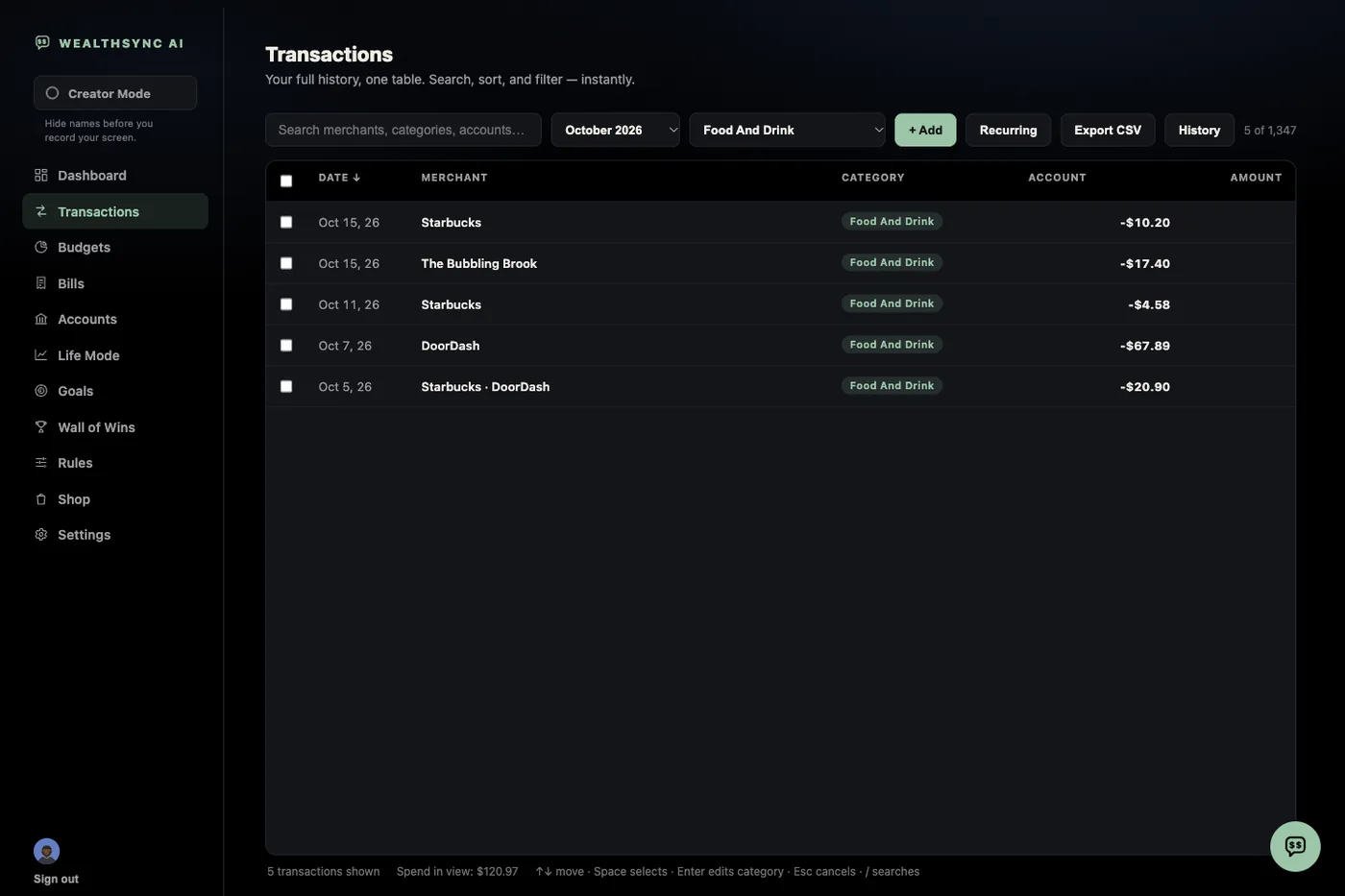
Connect your checking account once. Two years of your spending habits pop up, organized. So do your new purchases.
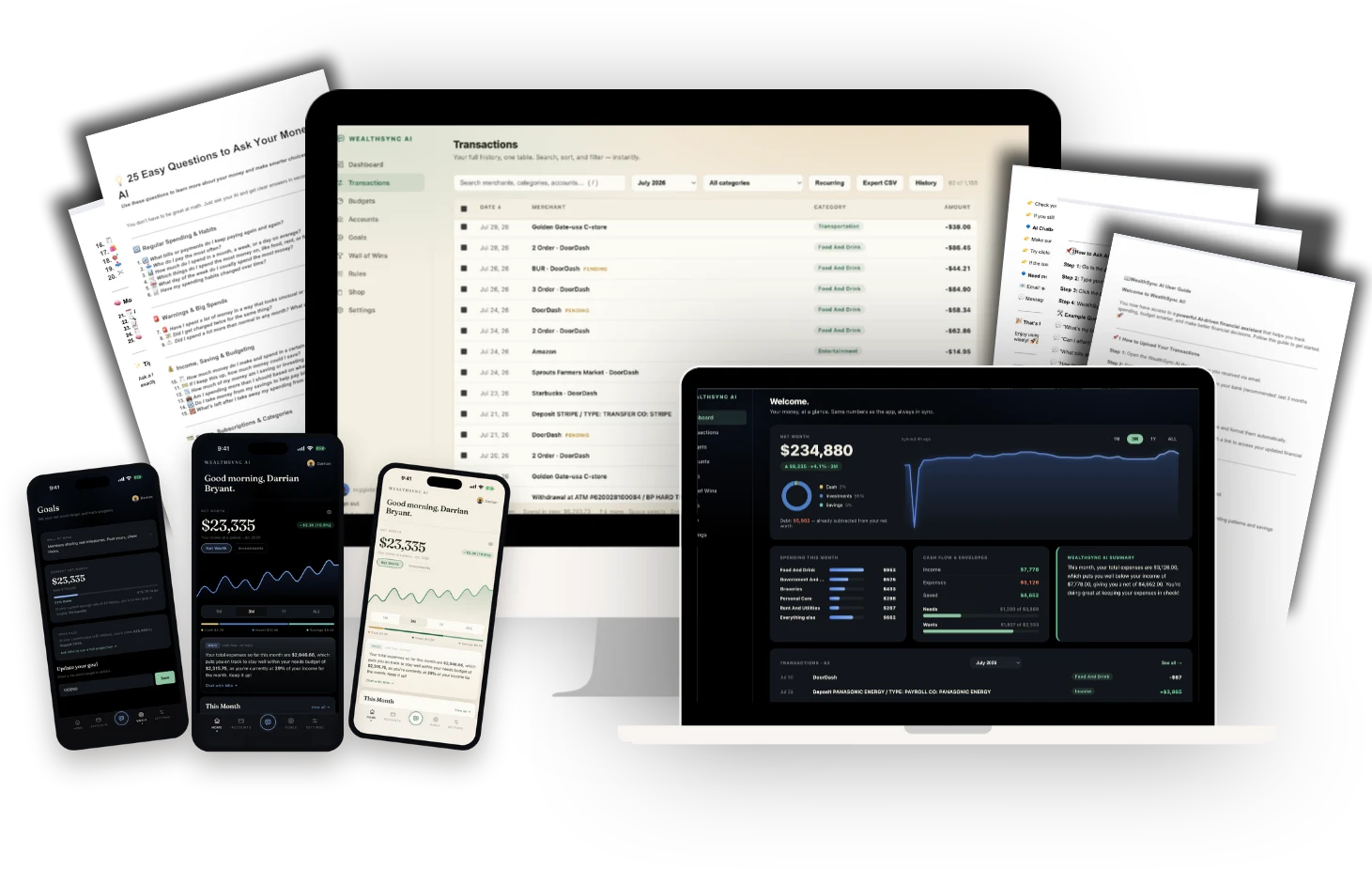
$27 for a limited time. Then it goes back to $47.
One time. No subscription. Works on web, iPhone, and Android.
Plus:
$27 for a limited time. One time, no subscription.
Three kinds of people get the most out of WealthSync AI. Plenty of people are all three.
Beginners. You're just starting to track your money and you want to get it right this time.
High earners. You make good money and still have no idea where it goes.
App quitters. You've tried the apps, the spreadsheets, the Notion templates. None of it stuck.
Still not sure? See if any of these sound like you.
Checking. Savings. Venmo. Bills that catch you off guard. The expense you never planned for.
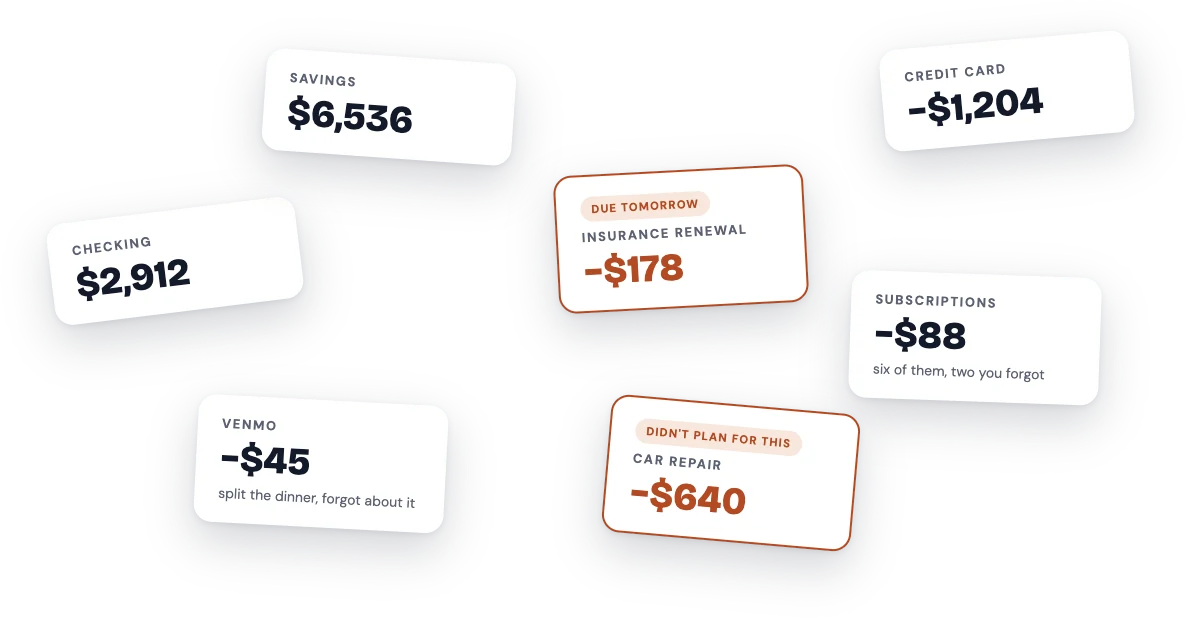
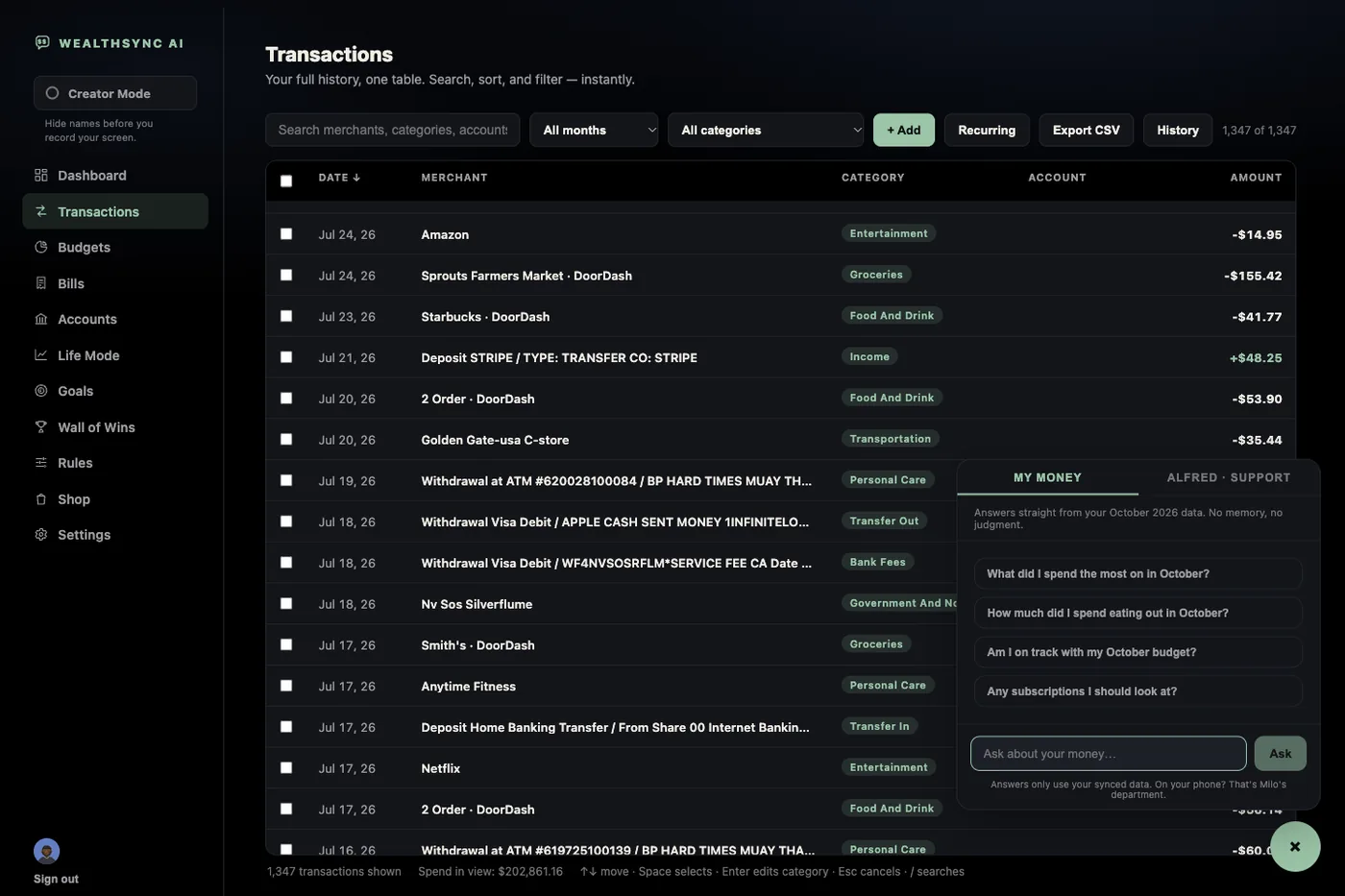
Nobody has time to type every purchase into a spreadsheet, let alone keep it up to date. That's why it feels like nothing works.
So I built one that does it for you. It turns hours into a few minutes.
I made it for my own money first. Then I saw what it saved me, in time and in money, and I couldn't keep it to myself.
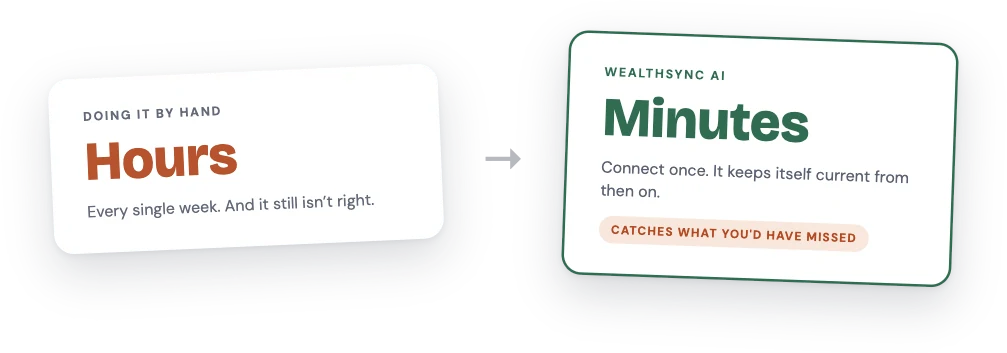
No more guessing. No more "where did it all go?"
Introducing
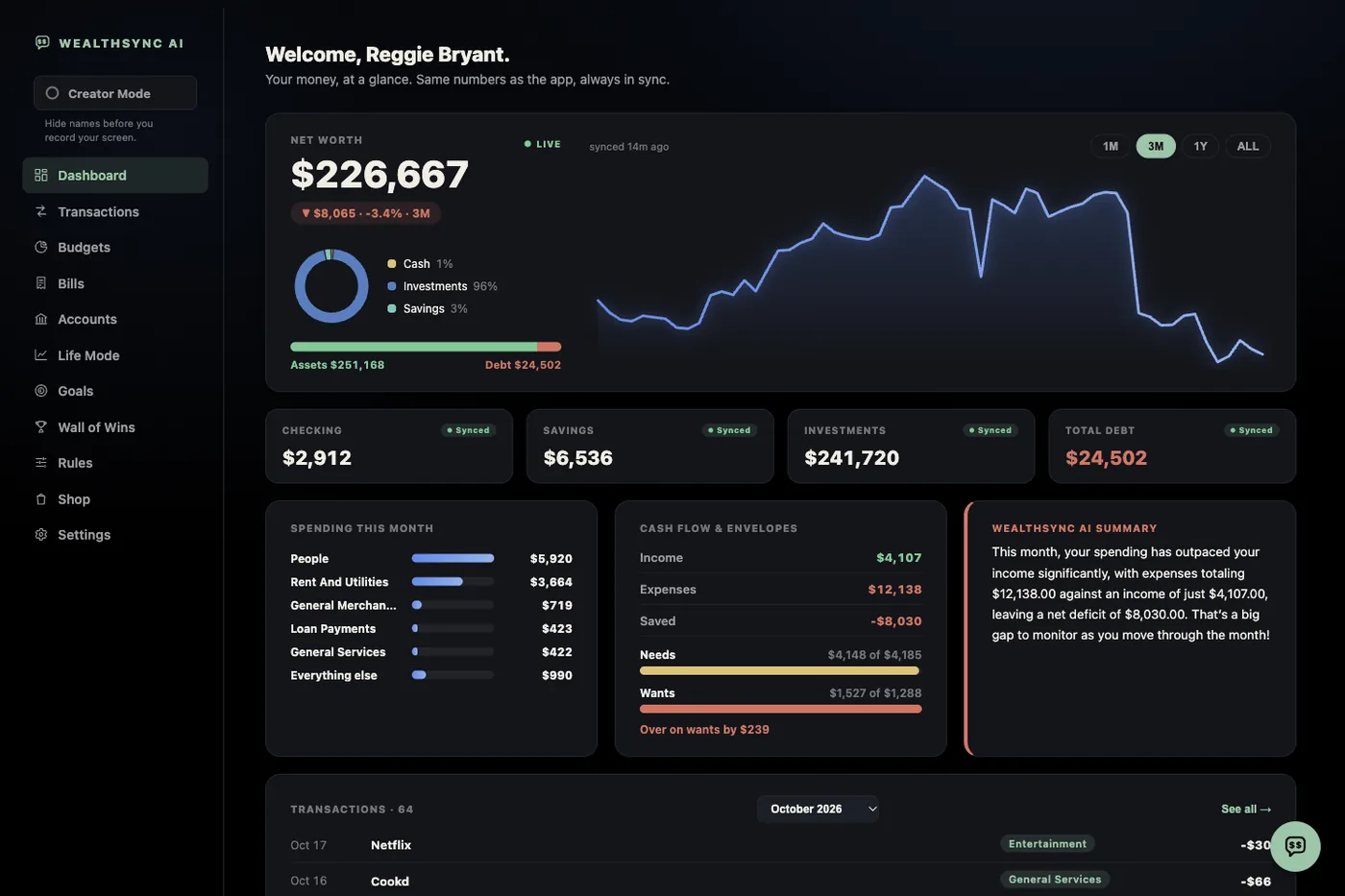
Your money, explained. Your whole picture on one screen, every dollar sorted, and an AI that talks to you about it in plain English.
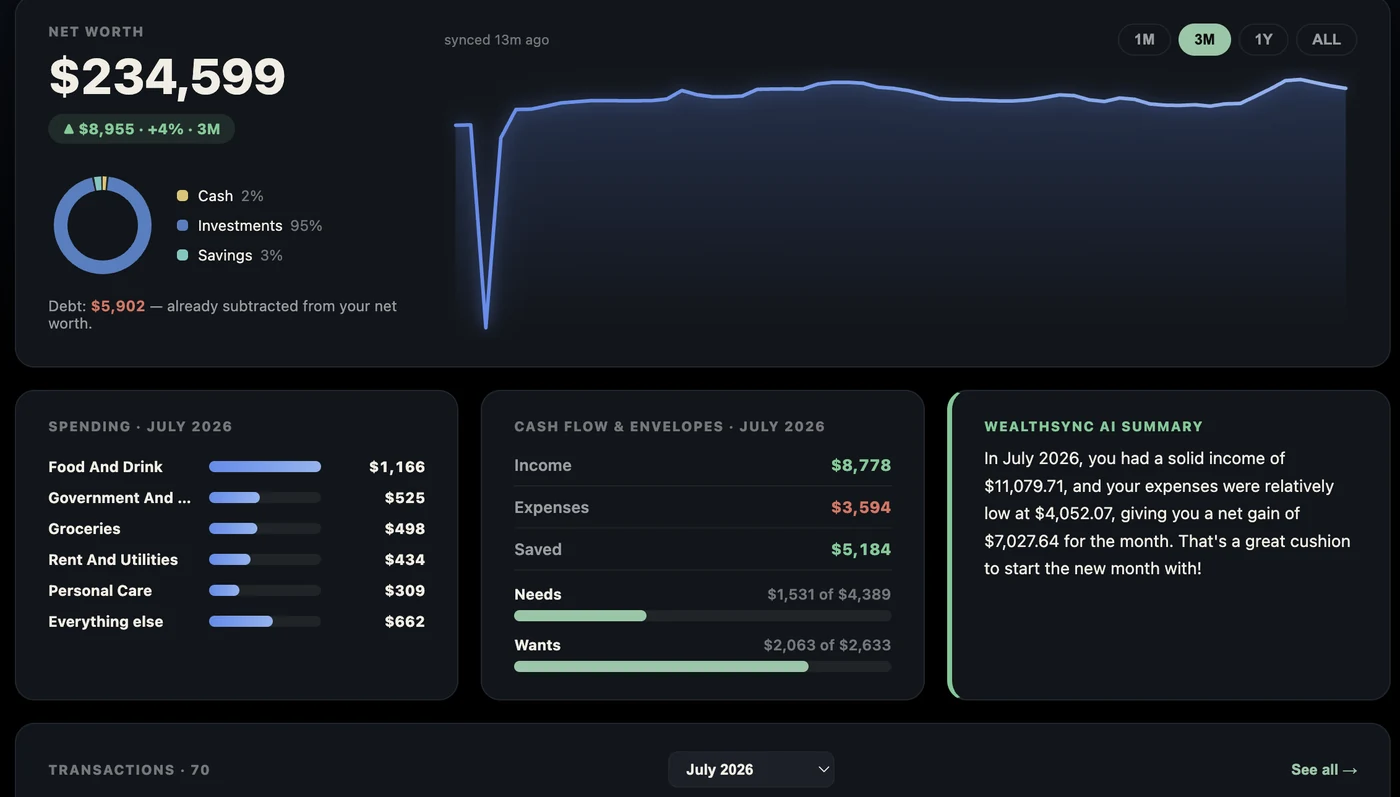
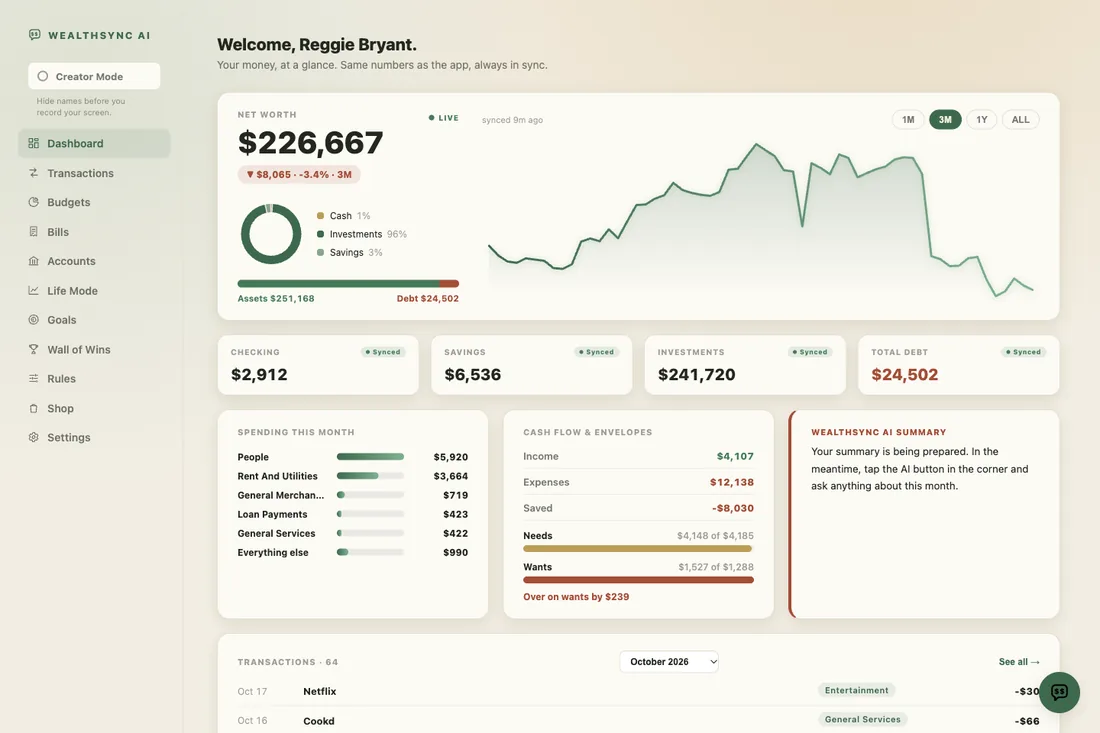
You used to find out what you spent when there was less in your account than you thought. With WealthSync AI you know the day it happens, while you can still do something about it.
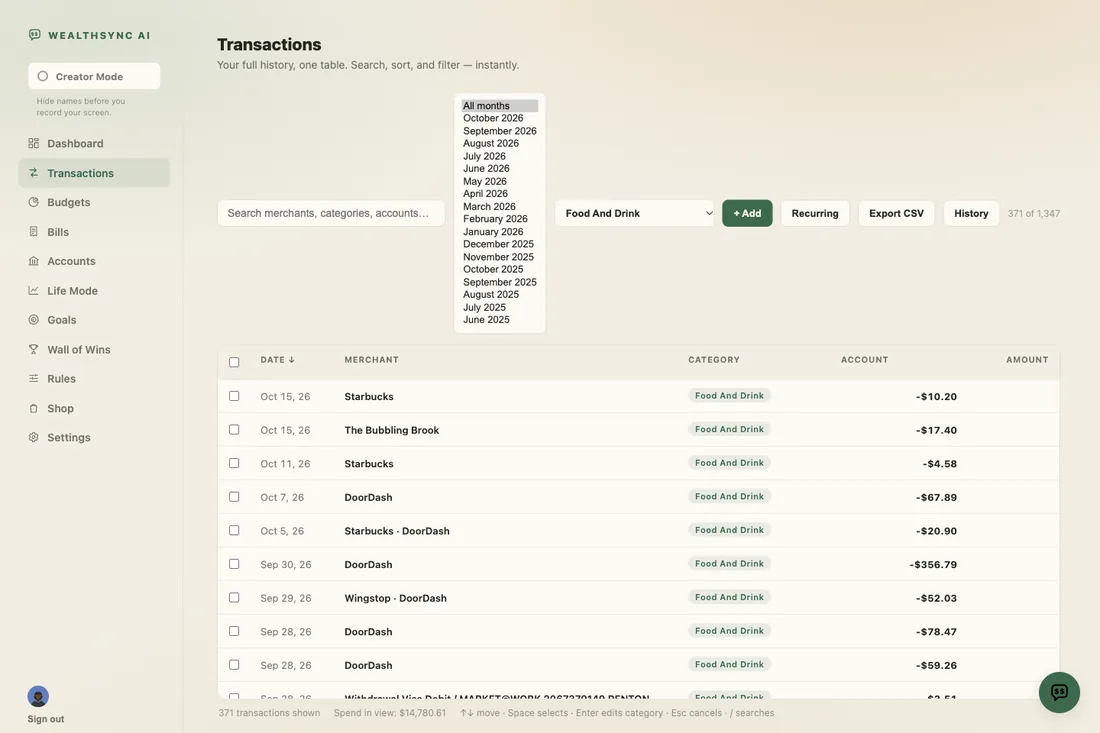
The subscription you forgot. The free trial that went paid. The delivery habit that crept up to $200 a month. You can't cancel what you can't see.
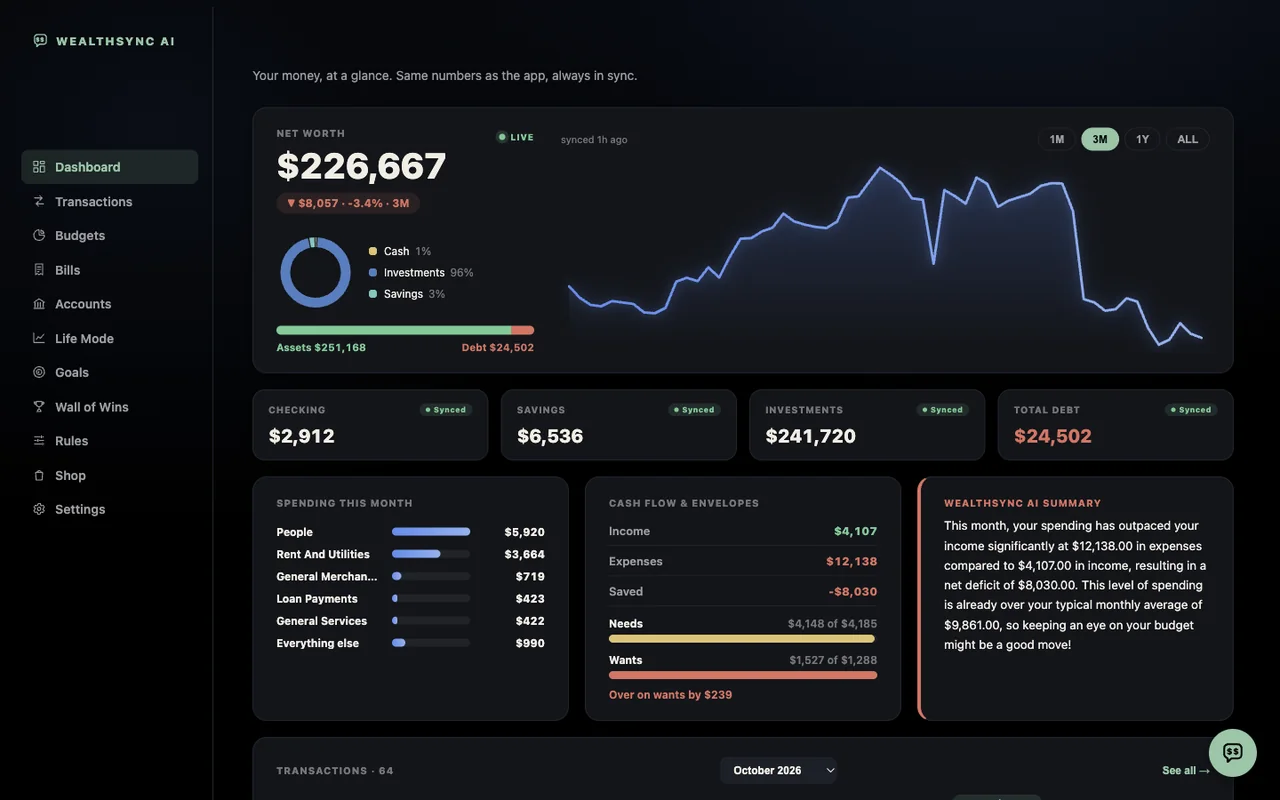
"Can I afford this?" stops being a feeling and becomes a number. Ask it in plain English, standing in the store, with your phone in your hand.
Same setup whether you start on your phone or your computer.
Buy it. $27, one time. Your welcome email arrives right away.
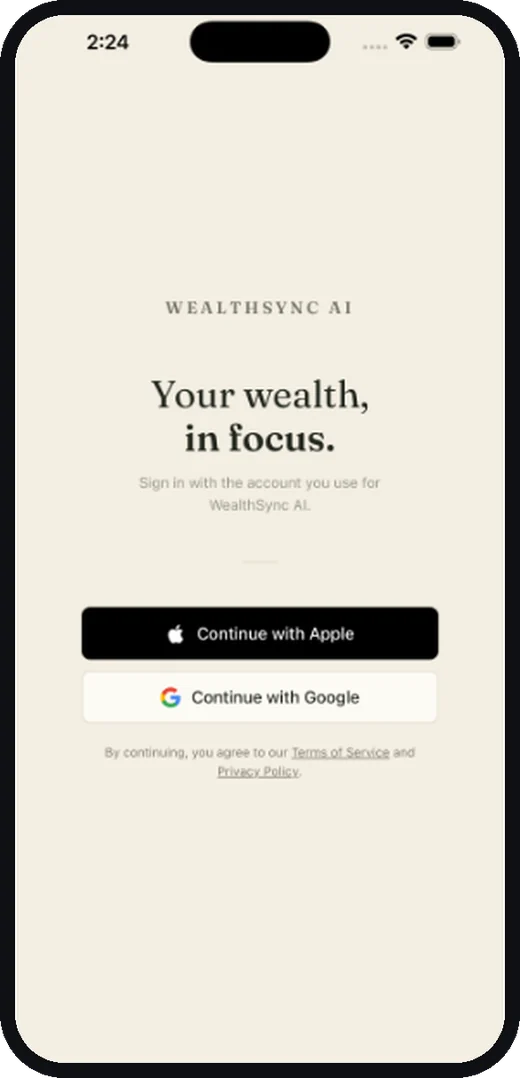
Sign in with the same email you bought with. Open the app on your phone, or go to app.officialwealthsyncai.com on your computer. Continue with Apple or Google, or use your email and password to sign in.
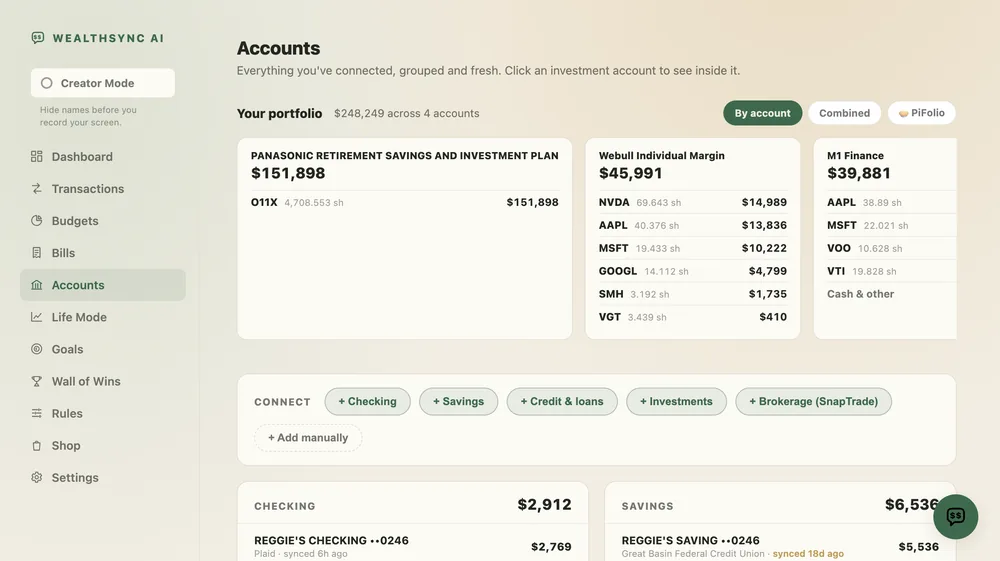
Connect your checking account. That's the last thing you do. Your spending, your budget and your net worth fill themselves in.
"But I've tried budgeting apps before and they didn't work. What makes this one different?"
Connect your checking account and 730 days of spending comes with you.
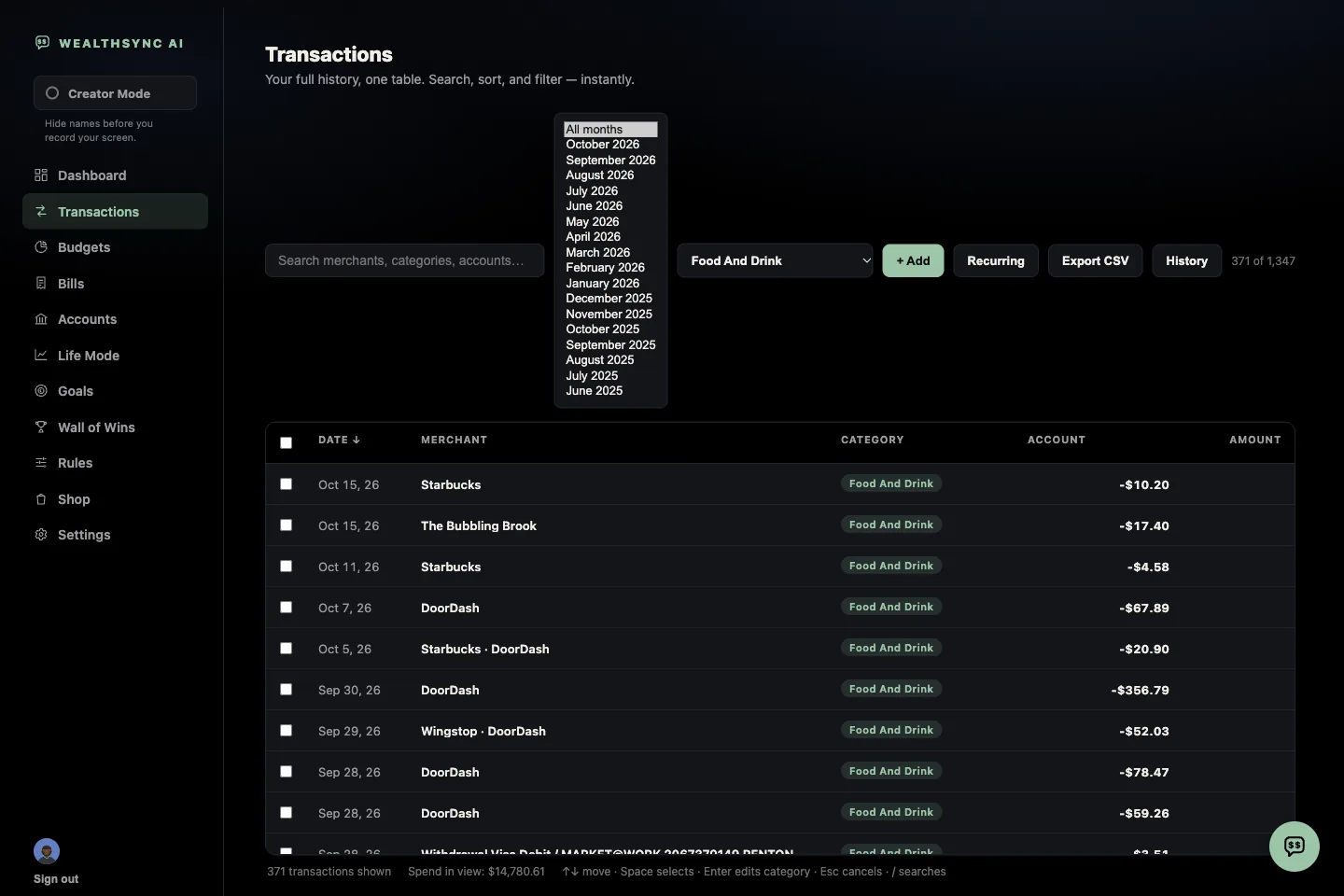
You see last December before you've used the app for a single day. The holidays, the trip, the year you'd rather not look at.
Annual charges show up immediately. The renewal that hits every March is invisible to an app with 30 days of history. It's right there in yours.
You can compare this month to the same month last year, on day one, instead of waiting twelve months to earn the comparison.
Fair question. It's the first thing I'd ask too. Here's exactly how it works, and exactly what we can and can't see.
Your bank login never touches us. It goes straight to Plaid, the same connection service behind Venmo, Cash App, and Robinhood. We never see it. We never store it. Ever.
The connection is read only. WealthSync AI can read your transactions and balances. It cannot move a dollar, make a payment, or change anything in your account.
Your data is encrypted, and we never sell it. Not to advertisers, not to data brokers, not to anyone.
Your data goes to exactly two places. Plaid, so your accounts keep themselves up to date without you. And OpenAI, the company behind ChatGPT, to write your AI answers. OpenAI does not train on your data.
Switching banks later takes about two minutes, and all your old data stays right where it is.
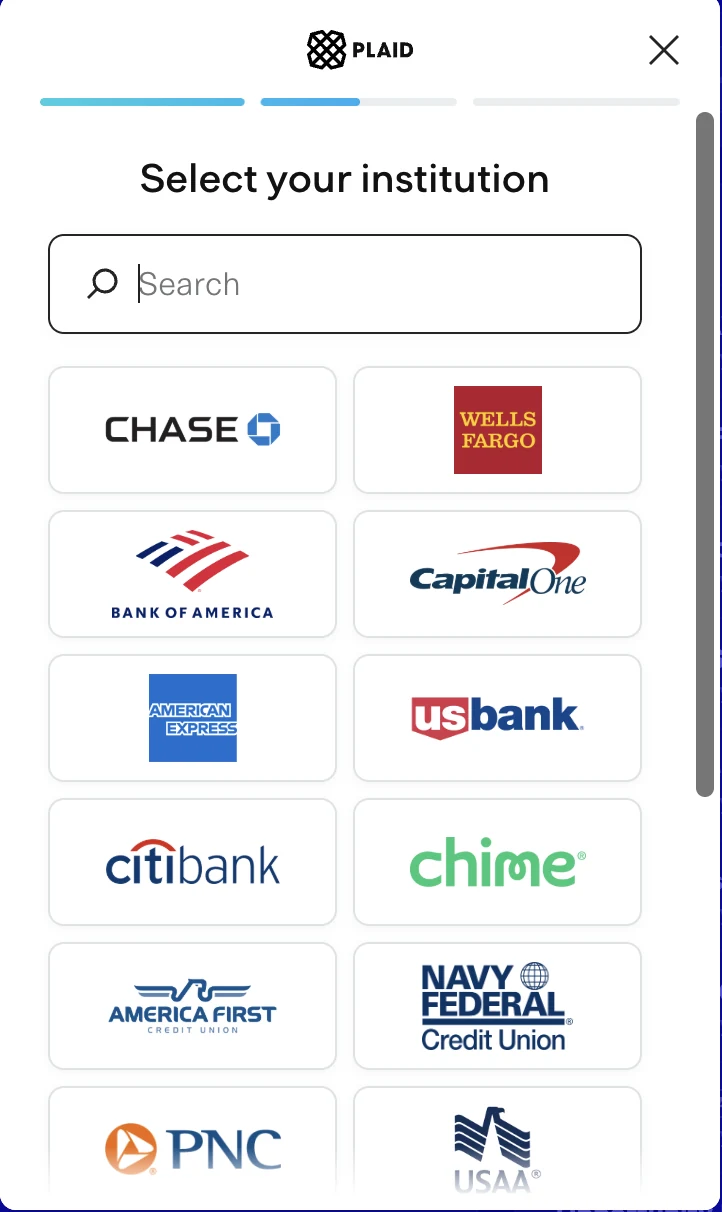
Every app and template you quit needed something from you. This one doesn't.
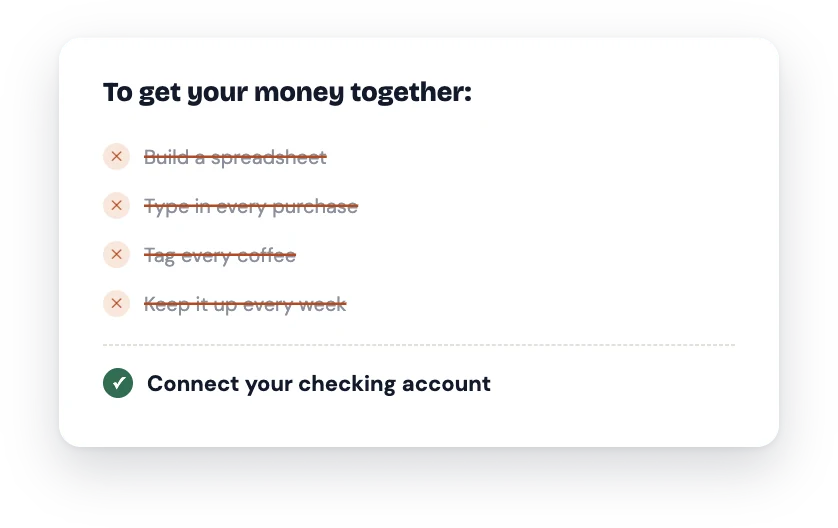
You need a bank account and three minutes. That's the whole list.
Now here's what each one actually does for you:
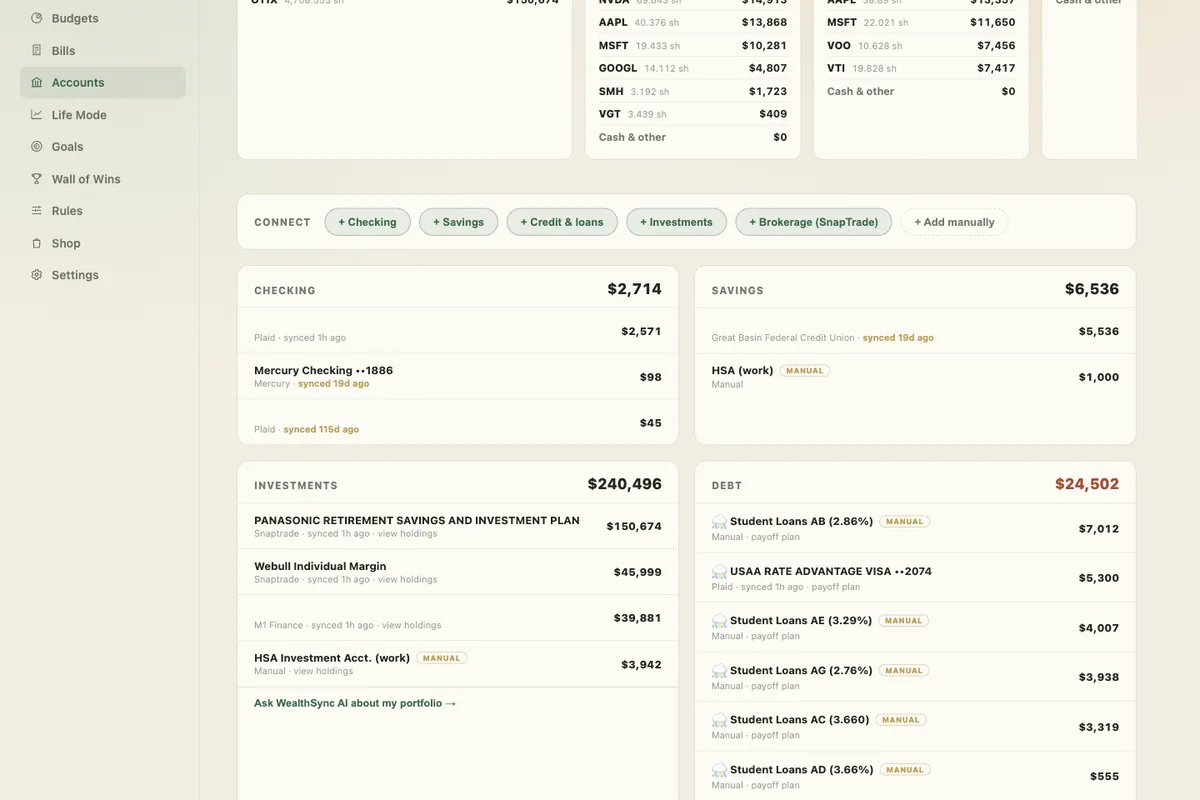
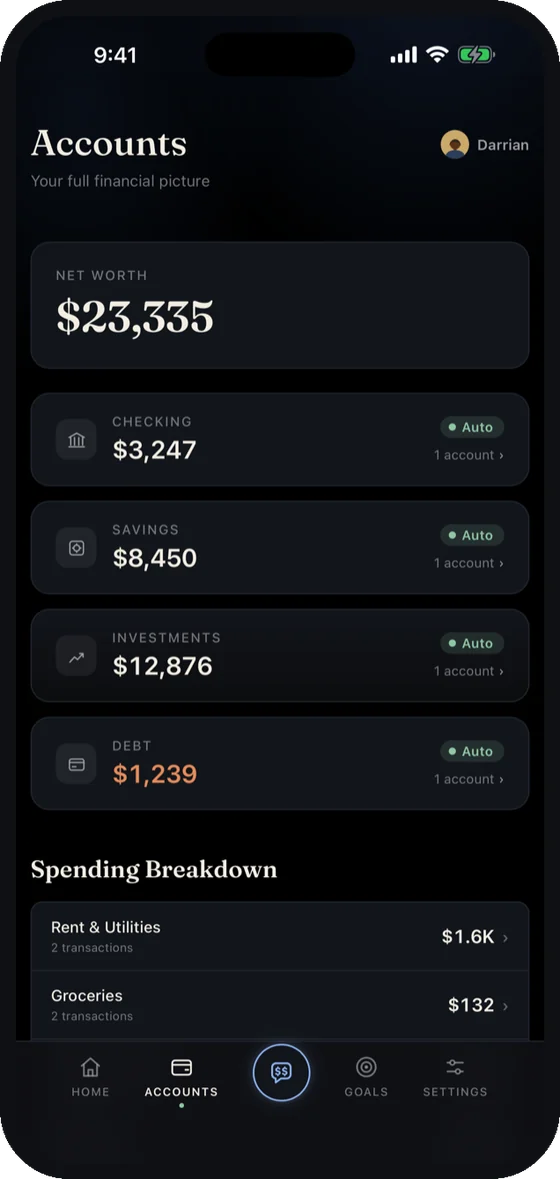
Every account in one place. Your checking account connects through Plaid and keeps itself current. Everything else, savings, credit cards, the car loan, your 401(k), you add once by hand and update whenever you like. (One screen with the whole picture, instead of five apps and a guess.)
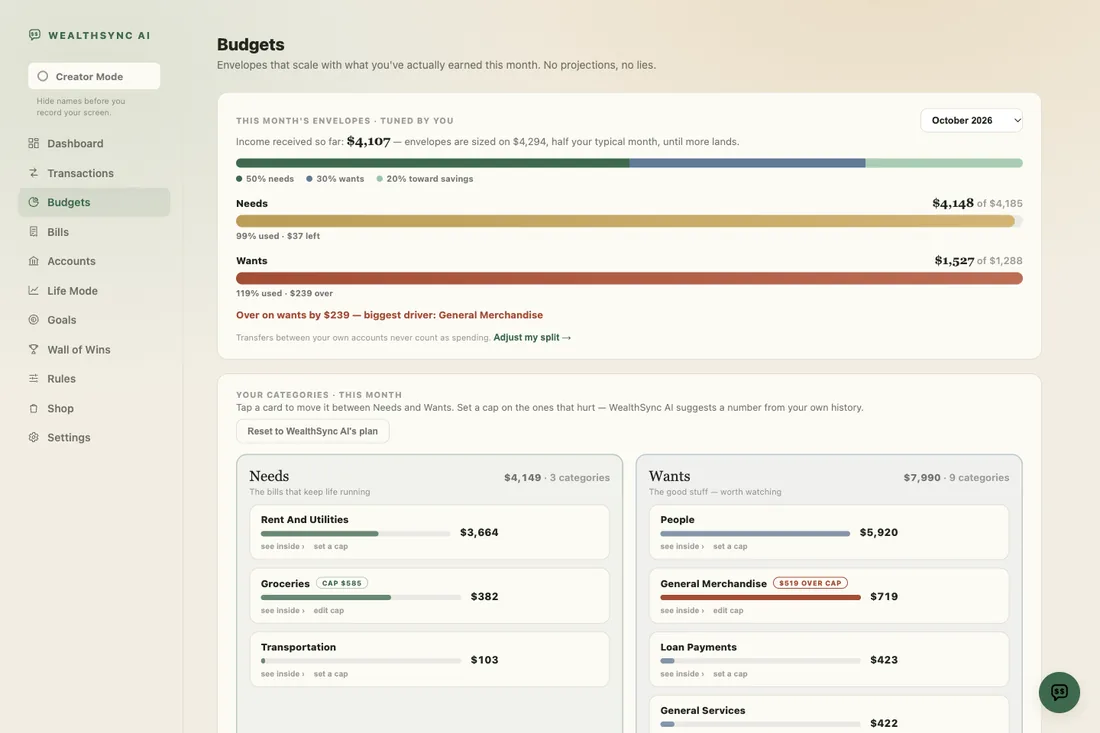
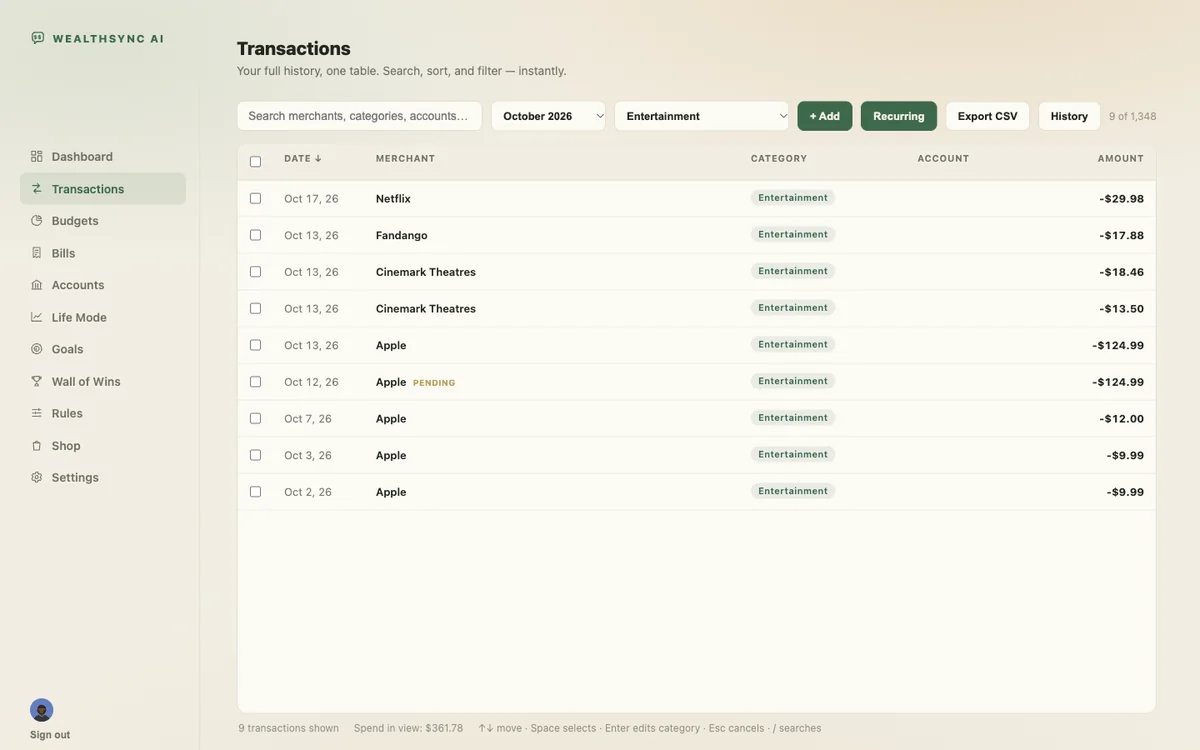
Your spending, sorted for you. Every transaction pulled in and categorized without you lifting a finger. (The reason most people quit budgeting is the typing. There is no typing.)
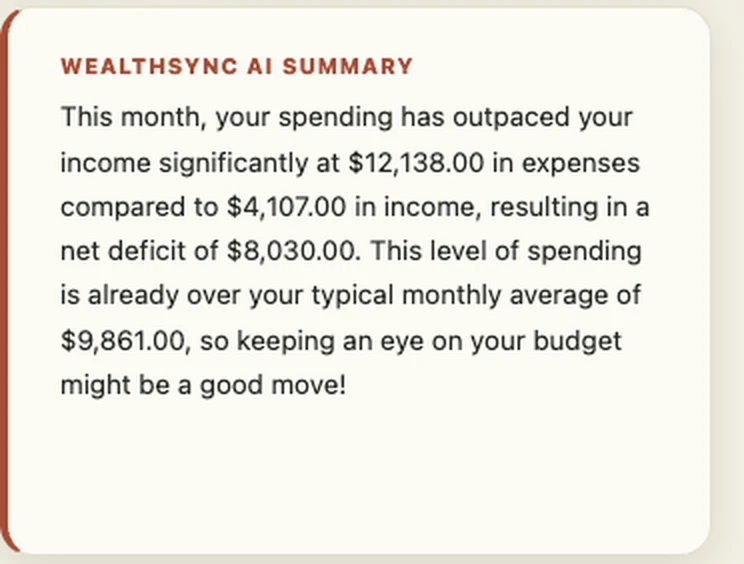
An AI summary of your month. It reads your transactions and tells you what actually happened, in plain English. (Most people have never had anyone explain their own spending back to them.)
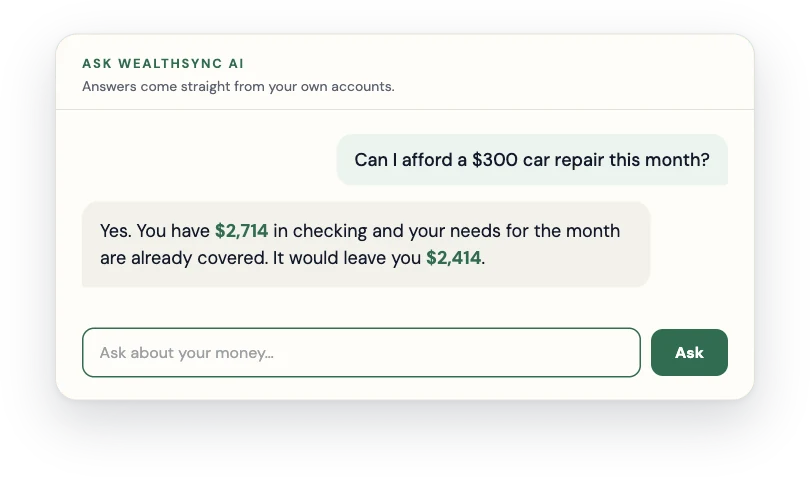
Unlimited Ask WealthSync AI. Ask anything about your own money and get a straight answer built from your real numbers. (Ask it why last month cost more. It'll tell you.)
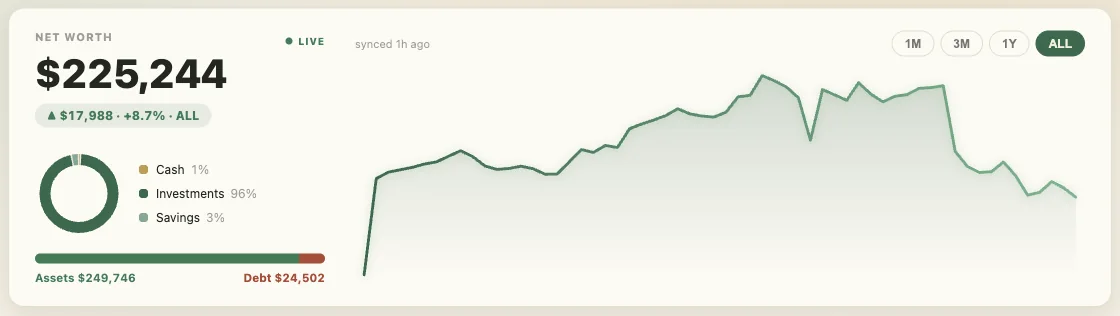
Automatic net worth tracking. What you own minus what you owe, updating as your accounts change. (Most people have never seen this number. It's usually not what they assumed.)
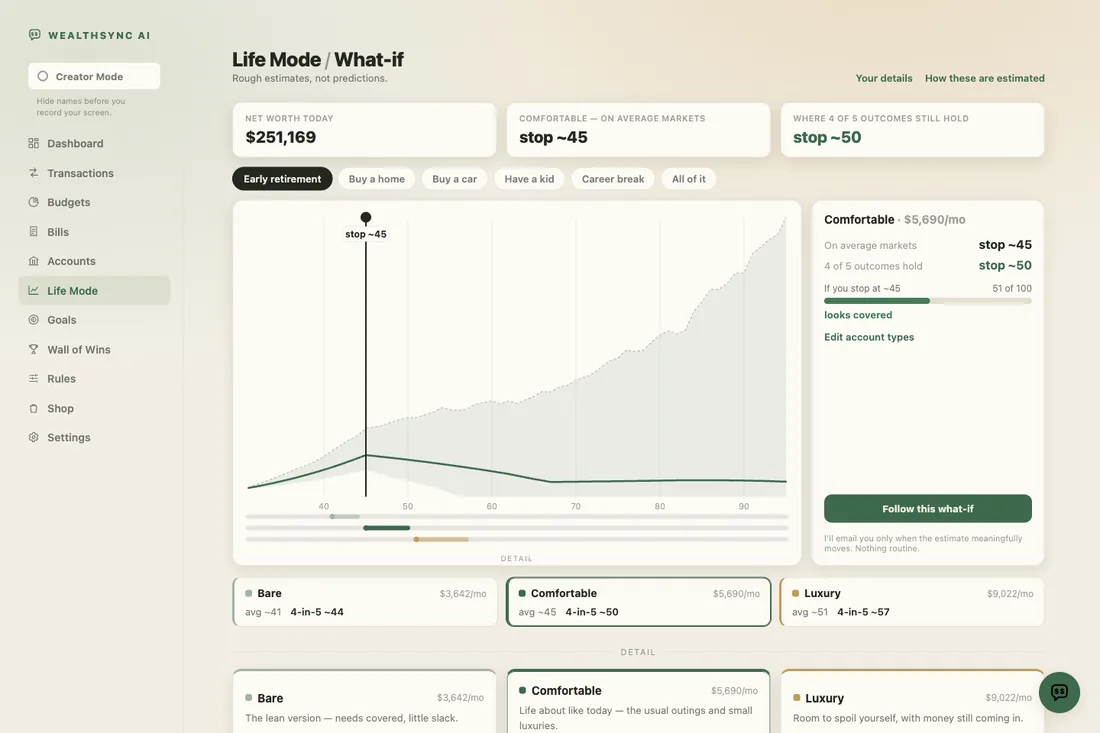
Life Mode. Model what a future purchase does to your money before you make it. (The "can I actually afford this" tool.)
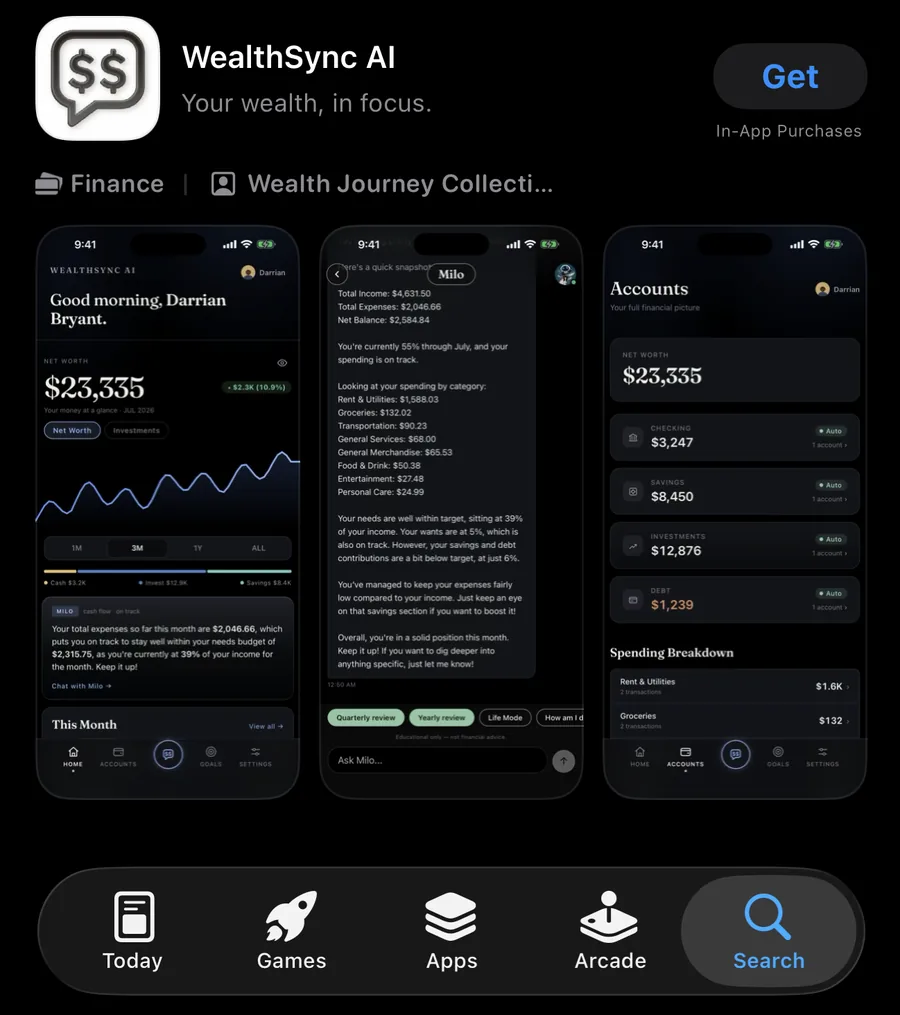
Free updates for life. You bought it once. Everything we add is yours. (No upgrade email six months from now.)
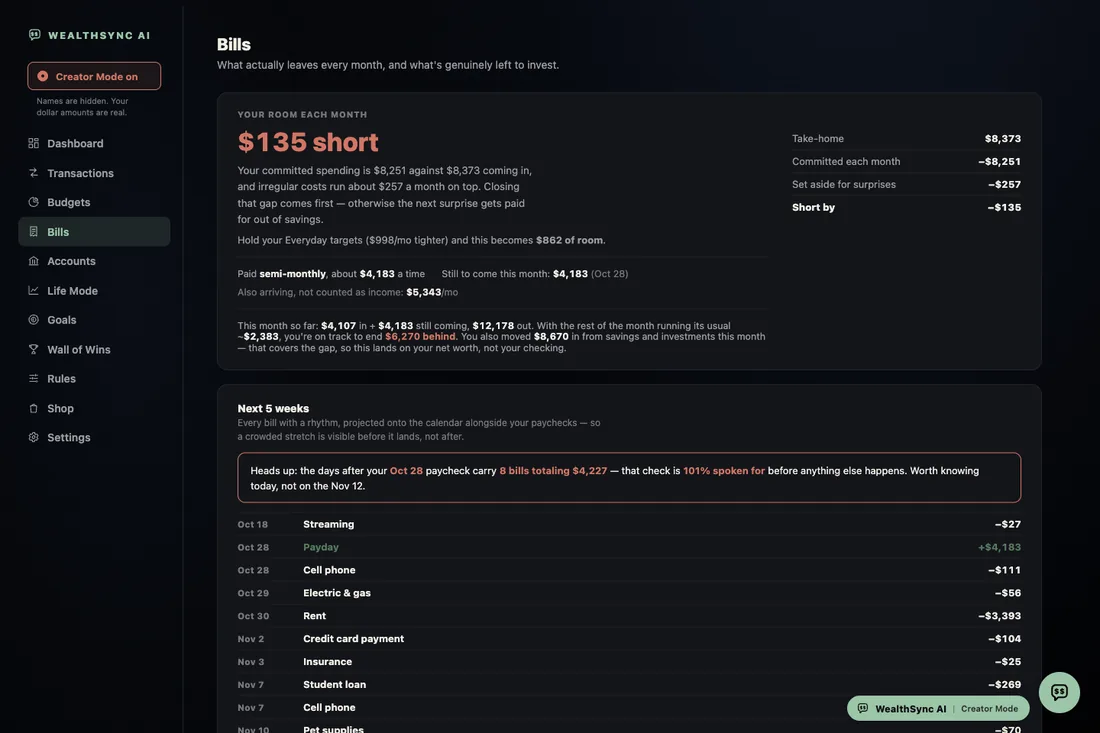
Every bill, found and counted. WealthSync AI reads your history, works out what is committed before you spend a dollar, and shows you the number that is actually yours. (Most people budget off their paycheck. The real number is what's left after the bills that haven't hit yet.)
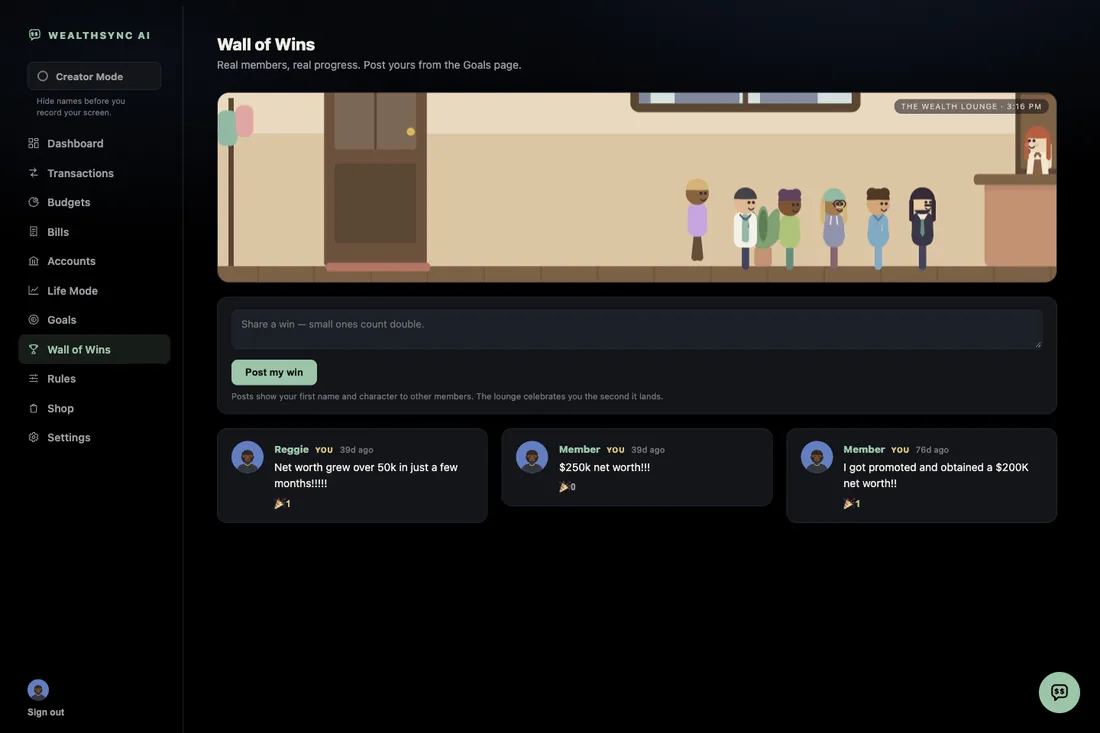
The Wall of Wins. Real members posting real milestones: a card paid off, a first $1,000 saved, a subscription finally cancelled. (Money is lonely. This is the part that makes it less so.)
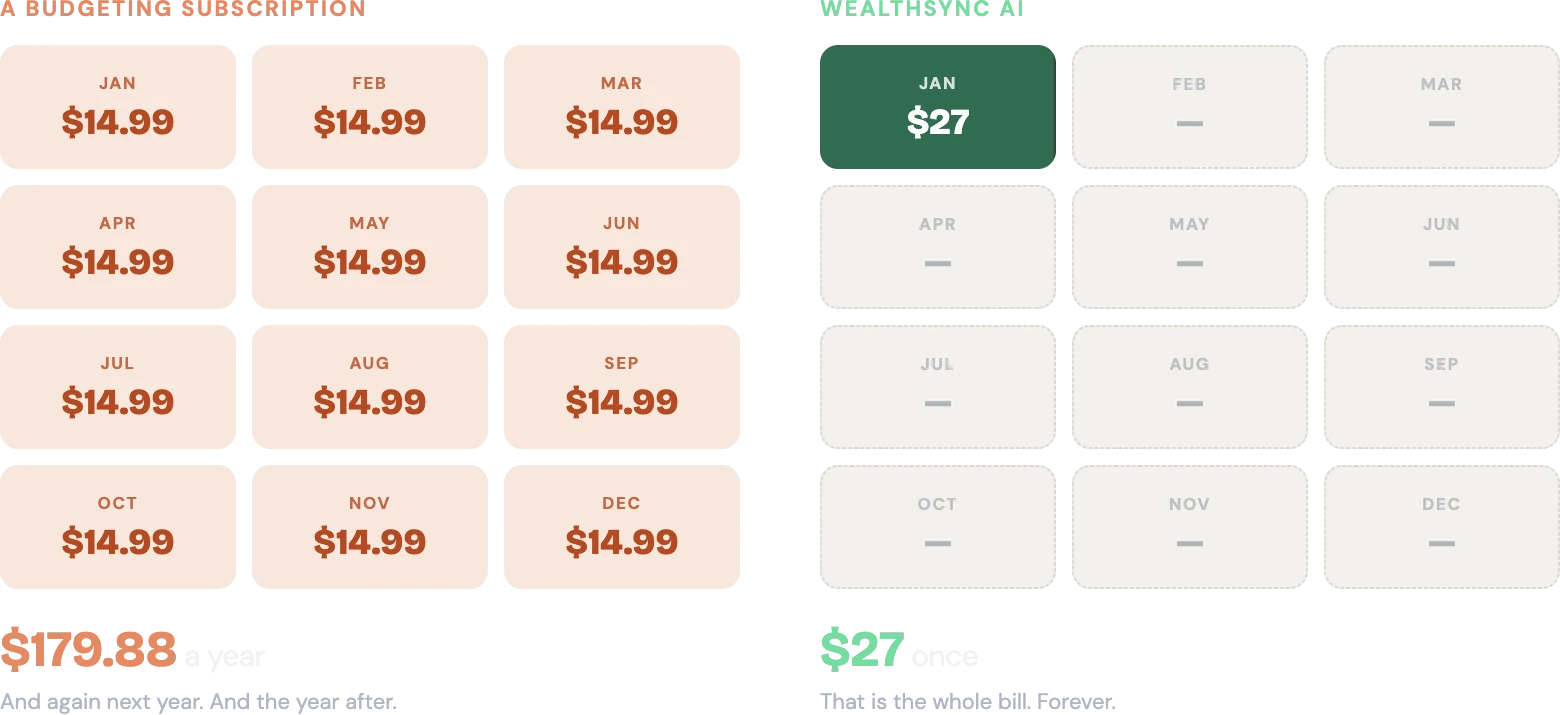
WealthSync AI: $27. One time. Normally $47
Not $27 a month. Not $27 a year. $27, once, and it's yours.
 LOCK IN MY $27 BEFORE IT'S $47
You connect your accounts and see your real spending for the first time. No typing. It's already sorted.
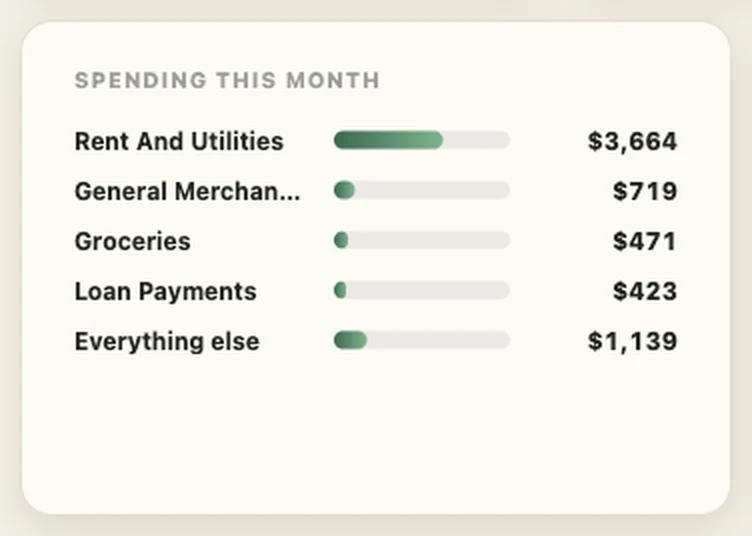
You find a charge you forgot you were paying for, and you cancel it.
Checking your money is a 30 second habit. You know what you spent, you know what's coming, and you stopped guessing.
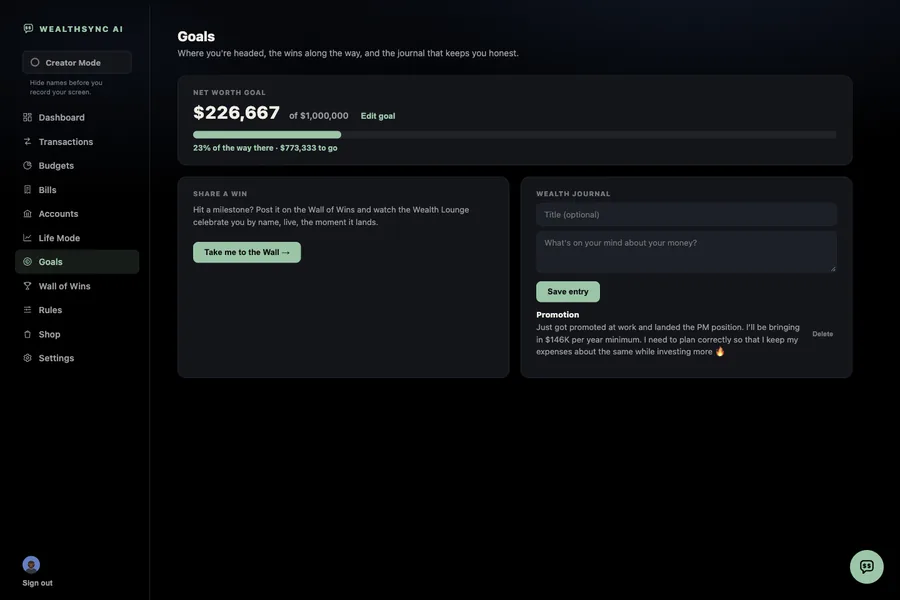
Illustrative example. Individual results vary.
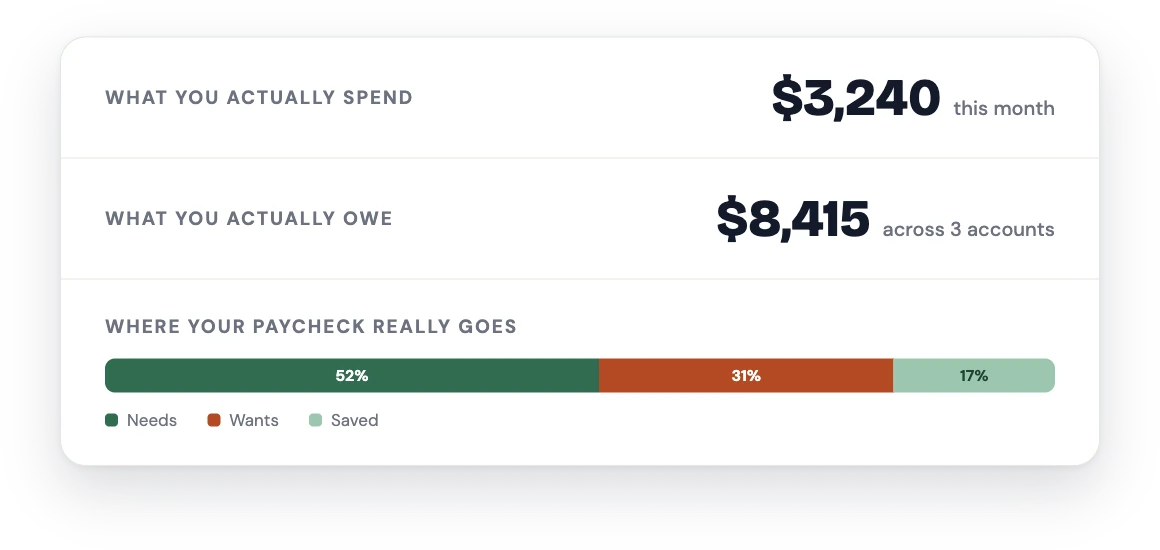
Just getting started? Get clear on what you actually spend, what you actually owe, and where your paycheck really goes. (Clarity first. Progress comes after.)
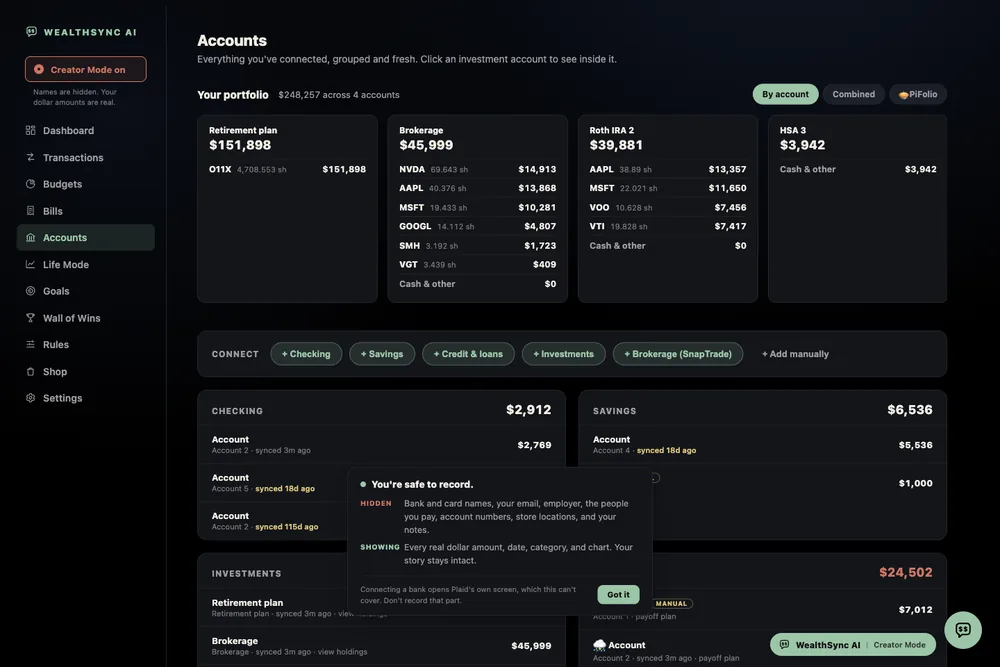
Already investing? Add your 401(k), Roth IRA, and brokerage once and watch your net worth move beside your spending every month. (One number that tells you if it's working.)

I founded Wealth Journey Collective, the company behind WealthSync AI and the personal finance channel with about 24,000 subscribers. I come from production management and industrial engineering, so I've spent my whole career hunting waste. Wasted money, wasted time, wasted effort. And building systems so the next person never has to think about it.
At 21, fresh into my career, I spent a lot of nights on my couch trying to figure out this personal finance thing. It was overwhelming, and I was making more money than I had ever seen in my life. Money that could have been invested or saved slipped through the cracks without me noticing. I didn't have a plan.
I built WealthSync AI for my own accounts first, because I wanted this and it didn't exist at a price a normal person would pay. I still use it every day.
Really, I built it for him. 21 year old me.

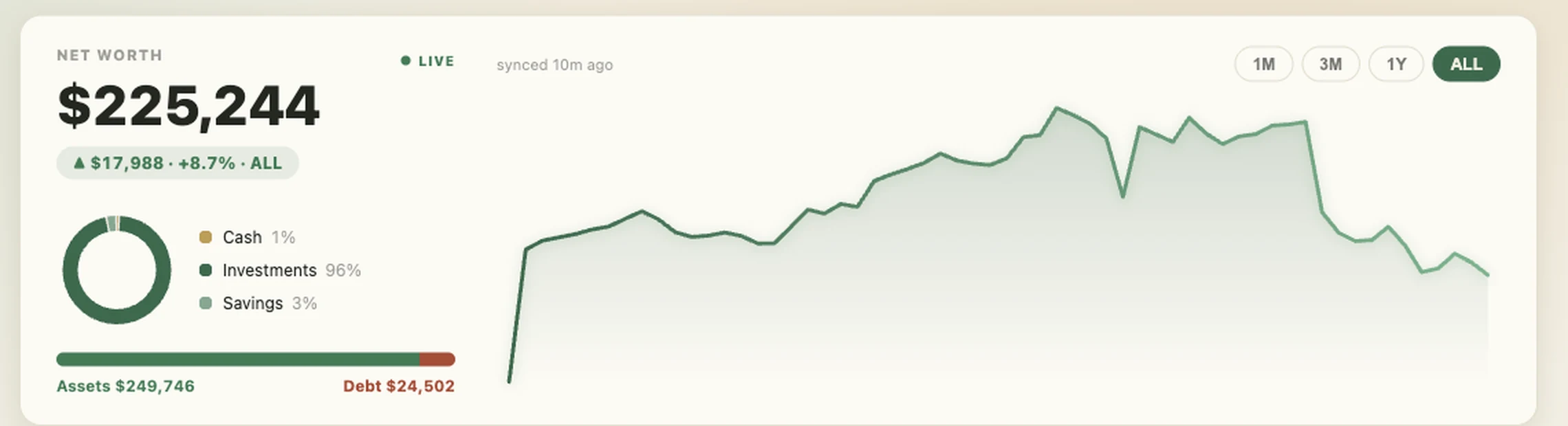
Because you quit over the typing, not the budgeting. Every app you tried asked you to log your spending by hand. This one pulls it in and sorts it for you. You just read it.
Because right now you're losing more than $27 every month and you don't know where. That's the whole point. One forgotten subscription usually covers it.
Your login goes straight to Plaid and we never see it or store it. Plaid is the same service behind Venmo, Cash App, and Robinhood. The connection is read only, so WealthSync AI can see your transactions but can't move a penny.
Yes. One payment, and the core system is yours, including every update we make. There are optional add ons later if you want more. Nothing is required.
They hand you charts and hope you figure it out. WealthSync AI actually talks to you about your money. Ask it a question, get a plain English answer built from your real numbers.
Especially you. You can't fix what you can't see. Watching the number move in the right direction is the part most plans are missing.
Zero experience needed. There's a step by step tutorial, Alfred answers questions 24/7, and a real human reads the support email.
About two minutes to reconnect, and all your old data stays put.
Two years, when your bank has it. Some only keep twelve months, and you get whatever yours has. Either way it's a lot more than the few weeks most apps start you with.
Not yet. US accounts only for now. More countries are coming, and I'd rather tell you that here than let you find out after you pay.
Email support@officialwealthsyncai.com within 14 days and you get your money back. No form, no hoops, no "tell us why." After 14 days sales are final, because you get everything the moment you buy.
I'd rather refund you than have you sitting on something you don't use.
$27 one time. 14 day refund. Normally $47.